Sit in on enough conversations about AI agents and you'll hear "tool" and "skill" used as if they mean the same thing. They don't. Getting them confused is how teams end up with an agent that technically works and still does the wrong thing. Or worse, one that quietly does something expensive without asking.
Here's the whole distinction in one line:
A tool is one thing the agent can do. A skill is the briefing that decides who the agent is, which tools it's handed, and the rules it follows, then packages all of that into the single request the model reads.
Same tools, different skill, and you have a different agent. Same skill, different tools, and you have a differently-capable one.
If that sounds abstract, think about a workshop.
A tool is a hammer
A hammer does one thing. It drives nails. That's the whole of its opinion about the world. It doesn't know what you're building, it can't read the plan, and it has no view on whether now is a good moment to start hammering.
An agent's tool is exactly that narrow. On paper it's a contract with three parts:
- A name. A stable label, so the same action can be referred to twice.
- A description. What the agent reads to decide whether this is the right action right now.
- The inputs it accepts. What has to be supplied for it to run.
That's it. A list of tools is a rack on the wall. It tells you what's possible in this workshop. It tells you nothing about who's working today or what they've been asked to build.
The description is the steering wheel
This is the part most teams underestimate, so it's worth saying plainly: the model chooses a tool by reading its description, and nothing else.
It doesn't inspect what the tool does. It doesn't test it. It reads a sentence you wrote and decides. Which means that sentence isn't documentation, it's the interface. Written well, it says "use this when the customer asks about a refund, and send anything about a delivery date to the other one." Written vaguely, you get the wrong tool off the wall, confidently, every time.
If an agent keeps doing the almost-right thing, the description is the first place to look. Not the model.
A skill is the blueprint and the job brief
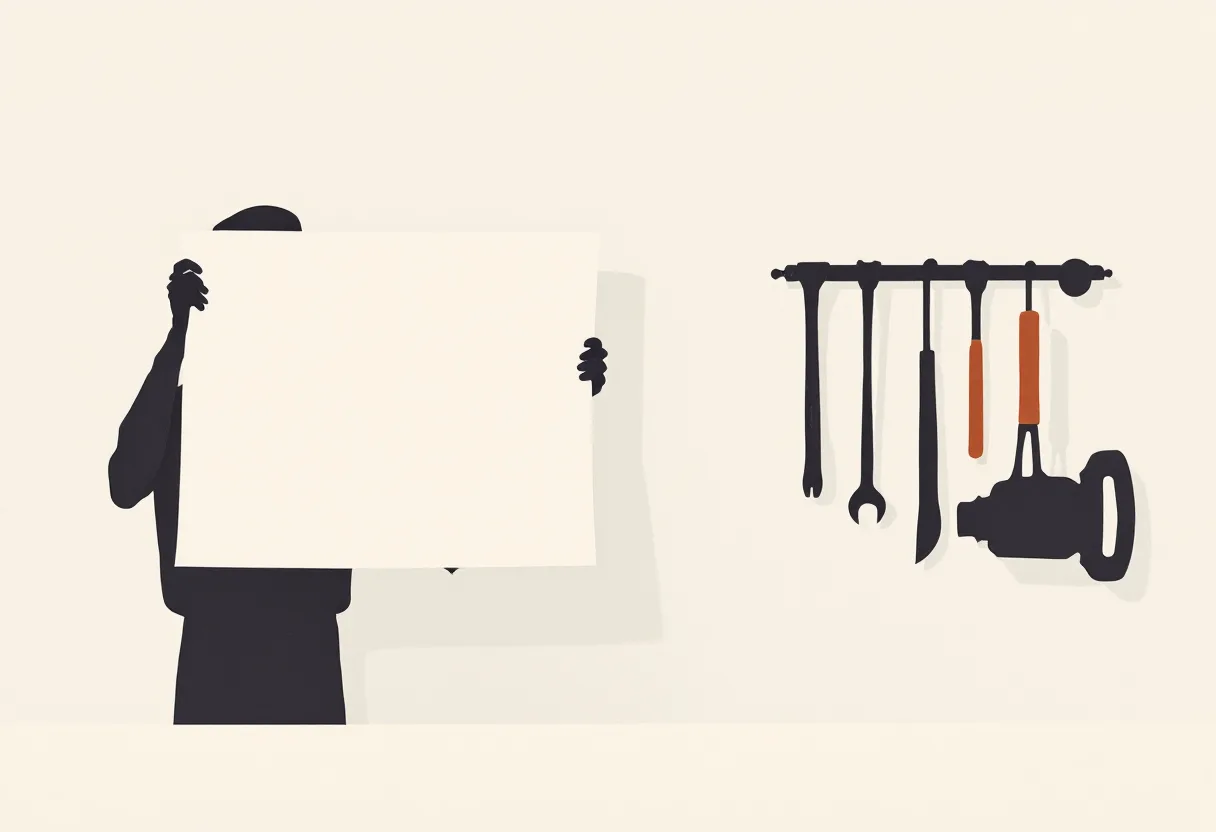
A rack of tools doesn't build anything on its own. Someone has to turn up with a plan and a brief: here's what we're making, here's who you are on this job, here's which tools you're taking off the wall, and here's the one rule you don't break.
That's a skill. It typically does three things:
- Sets the character and the rules. Who the agent is, how it should respond, and the hard limits. "You are the upgrade agent. Every reply is exactly one action. Never run anything that changes live systems without a human approving it first."
- Selects the tools. Not every tool in the building, just the ones this job needs, described in the shape the model expects.
- Assembles the request. It bundles the briefing, the selected tools, and the conversation so far into one payload and sends it.
That last point is the one that surprises people. The agent never receives "tools" and "a skill" as two separate deliveries. It receives one request:
briefing + tools + the conversation so far = one request
The skill is the thing that hands the tools to the agent. So when you ask "does the agent use both?" Yes, but not the way you'd think. The agent consumes the skill, and the skill contains the tools.
Which is why swapping the briefing while keeping the same tools gives you a genuinely different agent. Same bench, different blueprint, different build.
What the loop actually looks like
Once that request is sent, the rest is a loop, and it's less mysterious than the marketing suggests:
- Someone asks for something.
- The skill builds the request: briefing, tools, conversation so far.
- The agent reads the tool descriptions and picks one.
- The app maps that choice to something visible: a screen, a status, a step.
- For read-only actions, the system runs them and feeds the results back.
- For actions that change something real, it stops and waits for a person.
- The agent reads the result, picks the next action, and round it goes until the job's done.
Step six is the one worth arguing about.
Nothing moves until someone throws the switch

Here's a worked example. Say you have an agent whose job is upgrading a fleet of databases. The kind of maintenance that's tedious, easy to get wrong, and genuinely painful if it goes sideways at 2am. It carries five tools, one per phase of the work:
| Tool | What it's for | Reads or changes? |
|---|---|---|
| Assess risk | Work out which databases are risky to upgrade | Reads |
| Plan the rollout | Propose an order and a schedule | Reads |
| Run the cutover | Actually perform the upgrade | Changes |
| Judge the result | Roll back if it went badly | Changes |
| Check status | Report progress | Reads |
Three of those five only look. Two of them touch live infrastructure.
That split is the safety boundary, and it should be marked in two places at once: on the tool itself, and in the skill's rules. Read-only actions run unattended, because there's no reason to interrupt a person to ask permission to look at something. The two that change the real world halt at a go/no-go gate and wait for an explicit yes.
This isn't caution for its own sake. It's what makes the whole thing usable. An agent that can't act is a demo. An agent that acts without a checkpoint is a liability. The version worth having does the boring 90% on its own and brings you the decisions that actually need a person. Which, incidentally, is the same principle behind every system we build.
What to take away
If you're specifying an agent for your business, three things follow from all of this:
- Write tool descriptions like they're user interface copy, because they are. The reader is the model, and it's the only thing it reads before choosing.
- Decide what the agent is before you decide what it can do. The briefing is what makes a pile of capabilities into something with judgment.
- Mark every action as read or change, before you build anything. Then decide, out loud, which of the changes a person has to approve. Do it in that order and the safety conversation happens once, at the start, instead of after an incident.
The AI does the busywork. You still throw the switch.